Built for businesses that maintain their own trucks, machinery, and equipment. Track repairs, report problems, and keep your entire team on the same page — without spreadsheets or expensive fleet software.
Here’s how a breakdown goes when the whole crew is on WrenchBase.
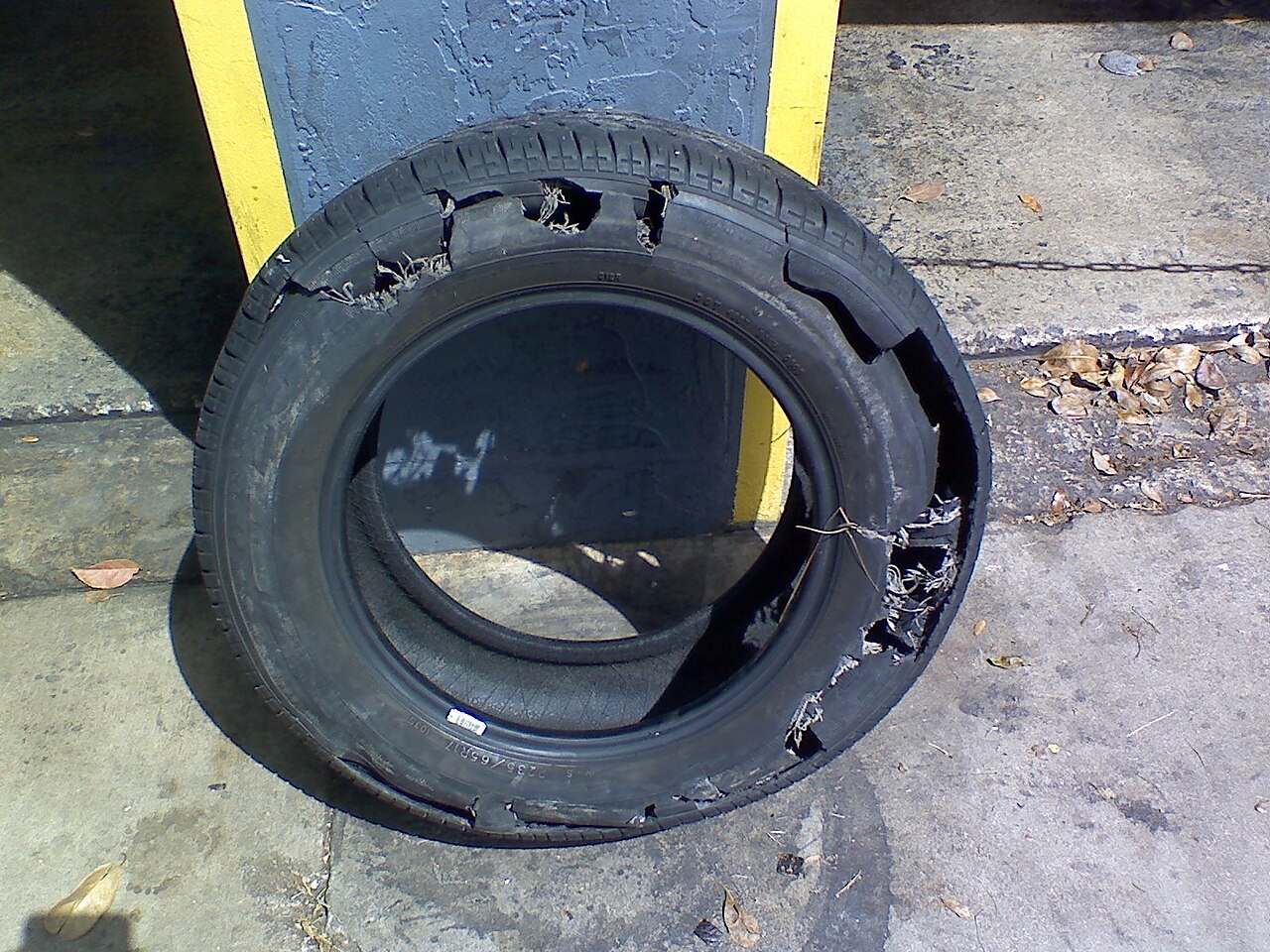
On his walk-around, Marcus sees Truck 14’s rear tire is low. He reports it from his phone with a photo. Thirty seconds.
+Dana and the shop get a notification right away. Nobody makes a phone call or wonders who to text.
Dana swaps the valve stem, marks it Resolved and saves the repair to Truck 14’s history. Next time, anyone can see what was done.
From delivery fleets to heavy machinery, any team that maintains equipment will feel the difference.
Track trucks, vans, and trailers across routes. Log oil changes, tire rotations, and DOT inspections. Know what's on the road and what's in the shop.
Excavators, loaders, generators — track maintenance on every piece of iron on the job site. Build a complete service history for each machine.
Mowers, trimmers, blowers, trucks — keep your crew's equipment serviced and issues reported. Stop replacing gear that just needed maintenance.
Refrigeration units, delivery trucks, bagging machines. Track compressor services, refrigerant levels, and vehicle maintenance in one place.
Production line equipment, HVAC systems, forklifts. Log preventive maintenance and catch failures before they shut down your operation.
Golf courses, rental companies, property management — if you've got equipment that needs tracking and a team that needs to stay in sync, this is for you.
Ten tools that solve real problems. Click any one to see how it works.
When a truck or machine has a problem, word usually travels by text message or in passing. A driver tells their manager, the manager tells the person who fixes it, and something gets lost along the way. WrenchBase gets every problem to the people who fix it, and keeps a record of every repair, whether your own crew did the work or the dealership did.
Your crew snaps a photo and reports the problem from their phone. The people who handle repairs get an alert right away, with a link to see the photos.
Anyone on the team can report a problem straight into WrenchBase. It doesn't matter who has whose phone number.
Every problem stays open until it’s fixed, so nobody has to call around to find out.
Every repair and service is saved to that machine, whether your own crew did the work or it went to the dealership.
When reporting takes seconds, the small stuff gets reported too, and fixed before it becomes a breakdown.
Add your equipment, invite your team, and start reporting. No training manuals required.
No feature gates, no per-user fees, no surprises.
Cancel anytime · Secure payment via Stripe
See full pricing and what’s included →No. $149 a month covers your whole company: every person and every machine. Add your whole crew for no extra cost.
Yes. The WrenchBase app for iPhone and Android is free to download from the App Store and Google Play. WrenchBase also works in the web browser on any phone, tablet or computer.
Anything you maintain: trucks, trailers, forklifts, mowers, generators, ice machines, golf carts. You set up your own groups, so it fits the way your business works.
There are four roles. Owners and Admins set up the equipment list and the team. Members report problems and log repairs. Viewers can look but not change anything. Only the Owner handles billing and changes someone's role.
Your company has a team invite code under Settings. Send it to your crew. They create an account, click "Join with invite code", type it in, and they're on your team.
Yes. Only people you invite can see your company's equipment, problems and history. Payments go through Stripe, so we never see or store your card number.
Anytime, with no long-term contract. The Owner can cancel under Settings, then Billing.
Still have a question? Email Owen, a real person, not a bot.
Everything you need to set up WrenchBase and get your team on board.
Add your first equipment, invite your team and report your first problem. Step by step.
Open the help page →One page for each part of WrenchBase, from reporting a problem to keeping every machine’s history.
Start with Issue Reporting →Have a question or need help setting up? Reach out to our team and we'll get you sorted out quickly.
Email support →