Report a problem in seconds, photo and all
Anyone on your crew picks the machine, says what’s wrong and snaps a picture. It lands with the right people, instead of in a text thread or a voicemail.
- Four urgency levels
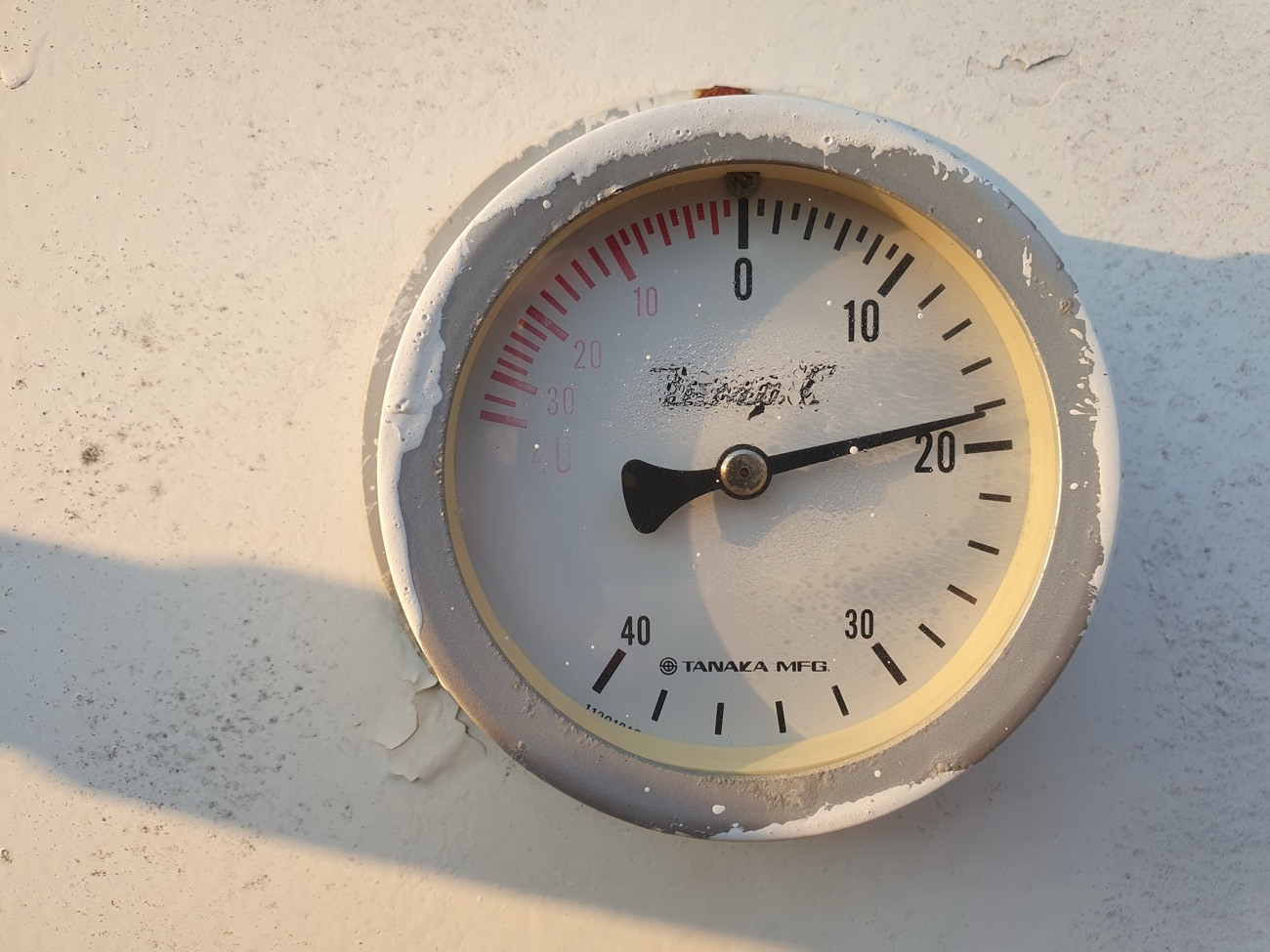
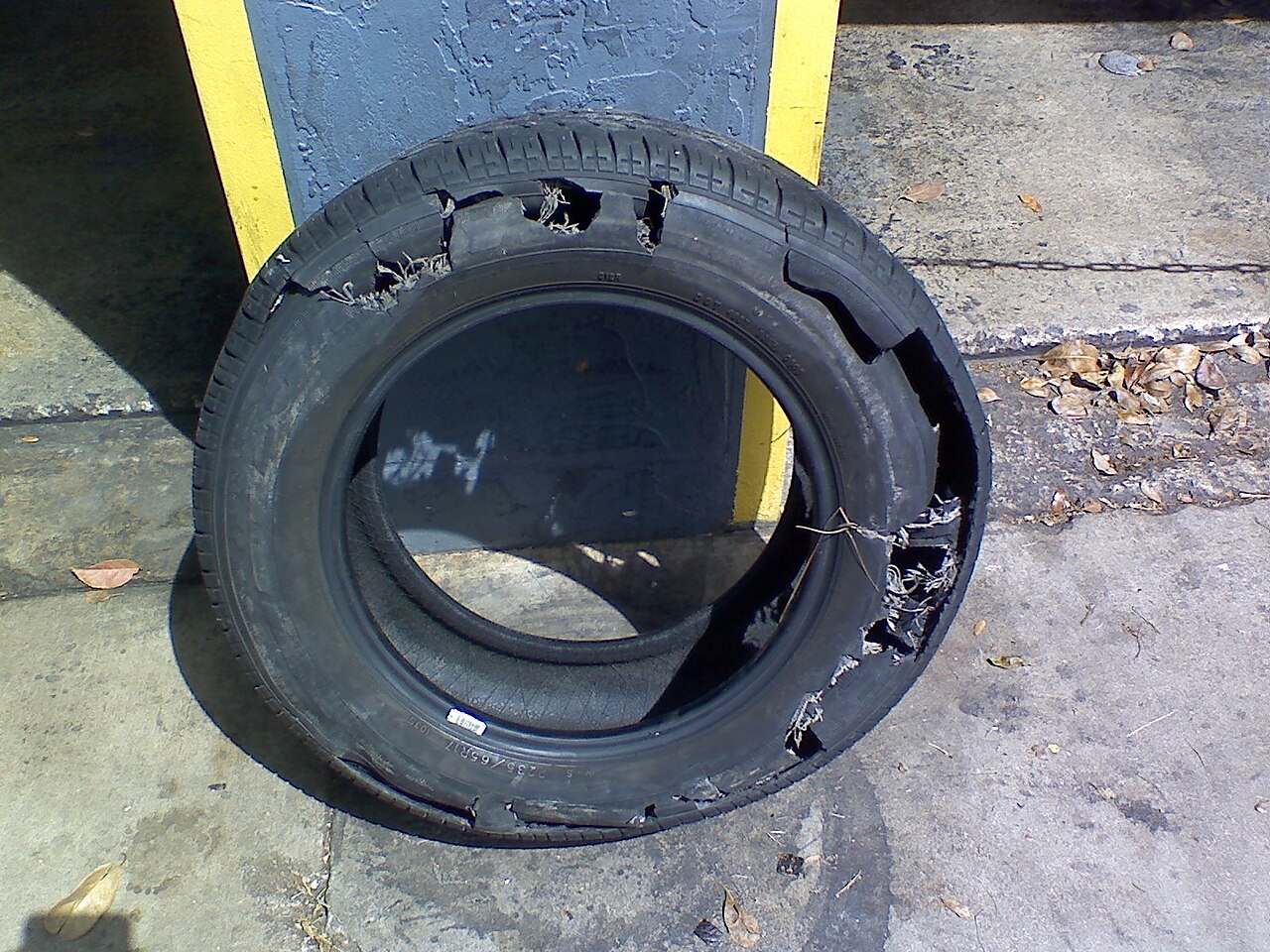
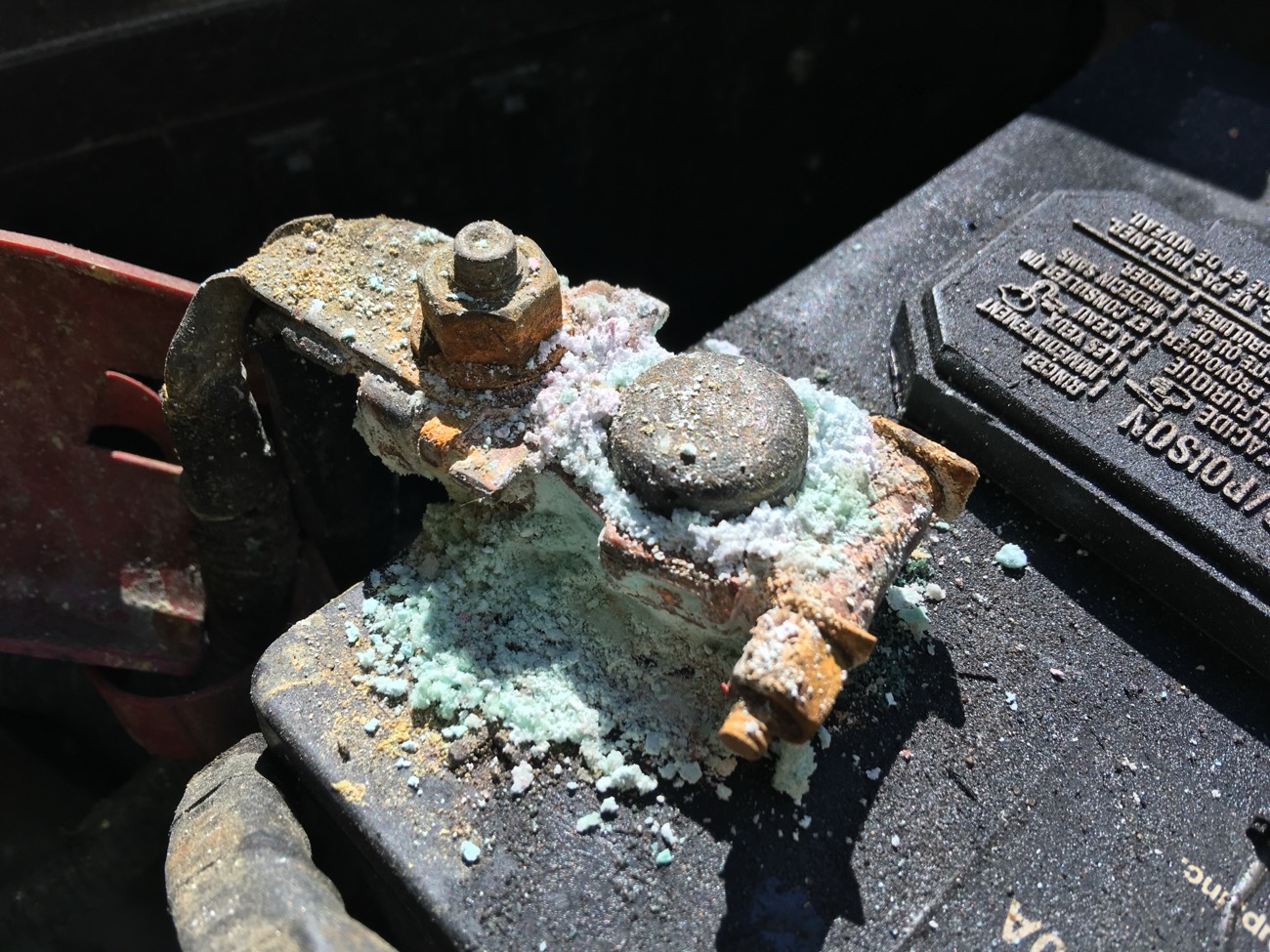
- Up to 8 photos on every report
- Report from anywhere in the app
- iPhone and Android app, or any web browser
 HOMEISSUESEQUIPMENTSETTINGS
Issues
Report Issue ✕
+Three steps, about thirty seconds
No forms to learn and no training day. If your crew can send a text, they can report a problem.
Pick the machine
Choose the equipment from your list and say what’s wrong in a few words, like “Rear tire low, losing air.”
+Set how urgent it is and add photos
Pick Low, Medium, High or Critical. Each one tells you what it means, so everyone rates problems the same way. Add up to 8 photos.
Send it
The problem shows up on the Issues page and the Home screen straight away, and teammates get a phone notification or an email, whichever they’ve turned on.
What you can do with it
Four urgency levels
Photos on every report
Add up to 8 photos when you report it, or add more later from the issue’s page. A picture of the tire says more than a paragraph.
Who can report
Owners, Admins and Members can report problems. Viewers can see every issue but can’t report one. You choose each person’s role.
Report from where you are
Start a report from Home, from the Issues page, or from the machine’s own page, where the equipment is already filled in.
Alerts, each person’s choice
Each person chooses phone notifications, email alerts or both in Settings. Nobody is alerted about a problem they reported themselves.
Follow it to the fix
Every report moves from Open to In Progress to Resolved. When it’s fixed, one tick saves the repair to that machine’s history.
Questions people ask
Does everyone on my crew need their own login?
Yes, and it costs nothing extra. Every plan includes unlimited users, so you can invite every driver, mechanic and yard hand.
Who hears about a new problem?
Everyone on your team who has turned on alerts. A phone notification shows how urgent it is and what’s wrong, and tapping it opens the problem. The email adds the machine, who reported it and a link to the photos. Nobody is alerted about a problem they reported themselves.
Can someone add more photos after reporting it?
Yes. Open the issue and add more, up to 8 in total.
Does my crew need to download anything?
The WrenchBase app for iPhone and Android is the quickest way to report from the yard. WrenchBase also works in the web browser on any phone, tablet or computer.
What does it cost?
$149 a month for your whole company, with unlimited equipment and unlimited users.