When something breaks, the right people hear about it
The moment someone on your crew reports a problem, everyone who has alerts turned on hears about it: a notification on their phone, an email, or both. They see what’s wrong and how urgent it is, and one tap opens it. No phone tree, no passing it down the line.
- Phone notifications on iPhone and Android
- Email alerts too
- Each person chooses for themselves
- One tap opens the problem

From the yard to everyone’s pocket
Nobody has to remember whose number to text. The report itself does the telling.
Someone reports a problem
A driver, mechanic or yard hand reports it from the app or a web browser, with photos and how urgent it is.
Phones buzz, inboxes ping
Everyone with phone notifications on gets one right away, showing how urgent it is and what’s wrong. Email alerts go out at the same time.
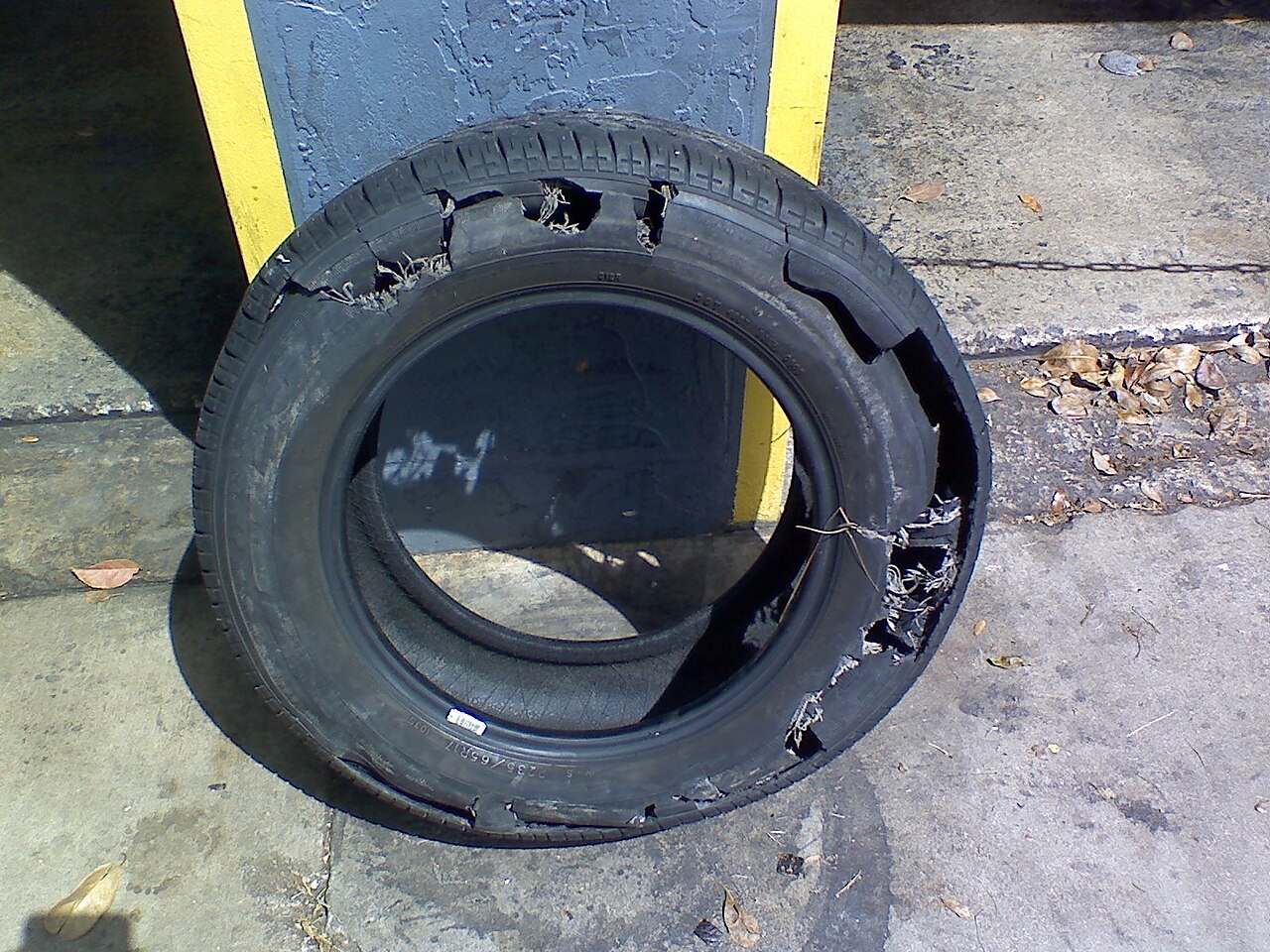
Tap to open it
Tapping the notification opens the problem in the WrenchBase app, photos and all, so whoever handles it can start right away.
What you can do with it
Phone notifications
On iPhone and Android, a notification says “New issue reported” with how urgent it is and what’s wrong. Tap it and the problem opens in the app.
Email alerts
The email adds the machine, who reported it, how many photos were added and a button that opens it. Handy at a desk.
Each person chooses
Phone notifications and email alerts are two switches in Settings, so each person picks one, both or neither. Anyone on the team can turn them on, including Viewers.
Only when something breaks
Alerts go out when a new problem is reported, and nothing else. When WrenchBase buzzes, something needs attention.
Never about your own report
You won’t be alerted about a problem you reported yourself. You already know about it.
Easy to turn off
Flip the switch in Settings, or use the one-click link at the bottom of every email.
Questions people ask
Will this flood my phone?
No. Alerts only go out when a teammate reports a new problem. Updates, repairs and announcements don’t send any.
Do I need the app for phone notifications?
Yes. Get WrenchBase from the App Store or Google Play, log in and turn notifications on in Settings. Email alerts work without the app.
Can I get alerts only for Critical problems?
Not today. Alerts are on or off for all new problems, and each one shows how urgent the problem is.
Can someone who only needs to watch get alerts?
Yes. Anyone on the team can turn alerts on, including Viewers, so an office manager can stay in the loop.
What does it cost?
$149 a month for your whole company, with unlimited equipment and unlimited users. Alerts are included.