Everything about a machine, on one page
Each truck, trailer, forklift or mower gets its own page: photos, specs, its status, where it is, and every problem and repair. The VIN is right there when the parts counter asks for it.
- Up to 8 photos per machine
- Specs that fit each kind of equipment
- Active, In Repair or Out of Service
- Unlimited equipment
 HOMEISSUESEQUIPMENTSETTINGS
Truck 14
Specs
Open problems
Photos
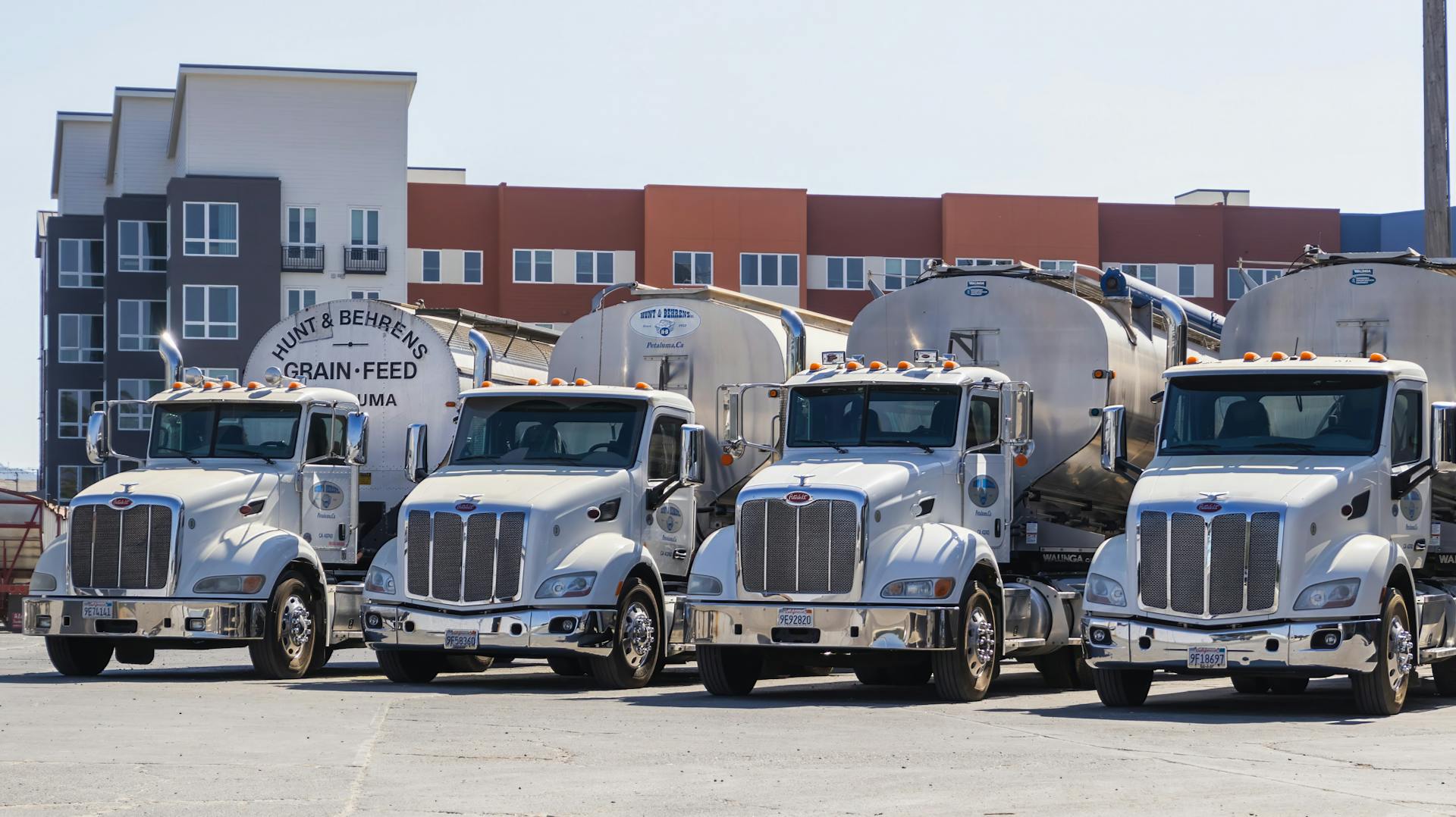
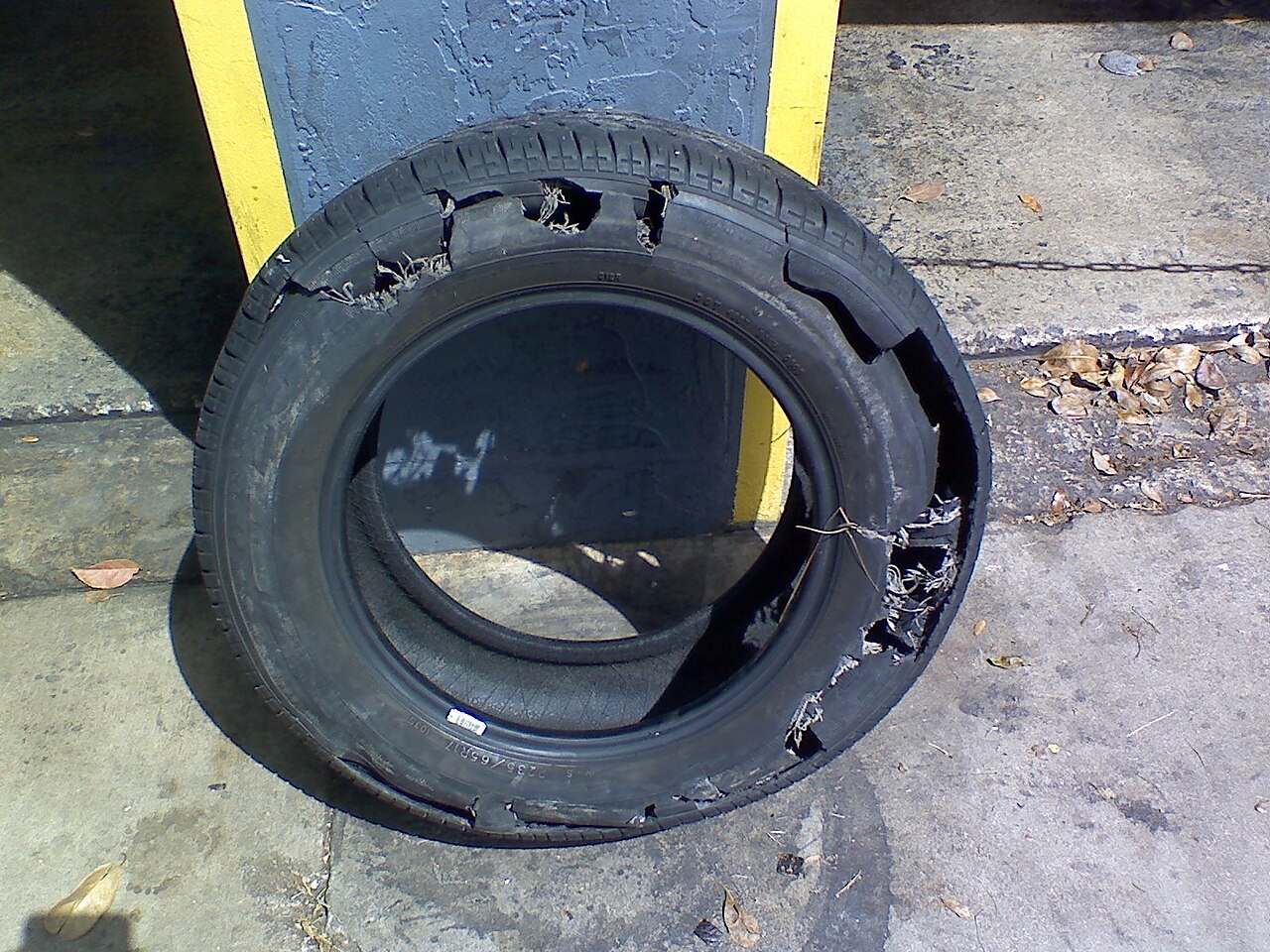 +
Set up a machine in a couple of minutes
Start with a name and a category. Add the rest whenever you have it.
Add the machine
Give it a name and a category. Add an identifier like the license plate, VIN or asset number if you like.
Add photos and specs
Up to 8 photos, with one as the main picture. Fill in the specs its category asks for, plus any one-off details.
Keep it current
Status, location, problems and maintenance all live on its page, so everyone looks in the same place.
What you can do with it
Three statuses
Active, In Repair and Out of Service, with a short explanation of each right on the page. Out of Service shows since when.
Specs your way
Each category has its own record fields: text, numbers, yes or no, or a pick from a list. Add up to 30 one-off details to any machine.
Photos
Up to 8 photos per machine, with one chosen as the main picture.
Where it is
Turn on locations for a category, then use Move on a machine. Its page shows where it is now and where it’s been.
Find it fast
Search by name, identifier or category. Inside a category, “Needs attention” shows anything that isn’t Active or has open problems.
Who can do what
Owners and Admins add, edit and delete machines. Members can change status, move machines, fill in specs and add photos. Viewers can look.
Questions people ask
Is there a limit on how many machines we can add?
No. Every plan includes unlimited equipment.
Where does the VIN go?
In the Identifier box, or as a record field if you want it next to the other specs.
What if we sell a machine?
An Owner or Admin can delete it, which also removes its problems, photos and maintenance records. WrenchBase warns you first. To keep its history, set it to Out of Service instead.
Can my crew add photos?
Yes. Owners, Admins and Members can add photos to any machine.
What does it cost?
$149 a month for your whole company, with unlimited equipment and unlimited users.