Know what’s open, what’s being worked on, and what’s fixed
Every problem moves from Open to In Progress to Resolved, with a short note at each step. Anyone can open it and see exactly where it stands, without asking around.
- Open, In Progress, Resolved
- A timeline on every problem
- Machine status that keeps up
- The fix saved to the machine’s history
 HOMEISSUESEQUIPMENTSETTINGS
Rear tire low, losing air on the highway
Activity
Valve stem is cracked. Swapping it and both rear tires.
Pulling it into the shop.
Photos
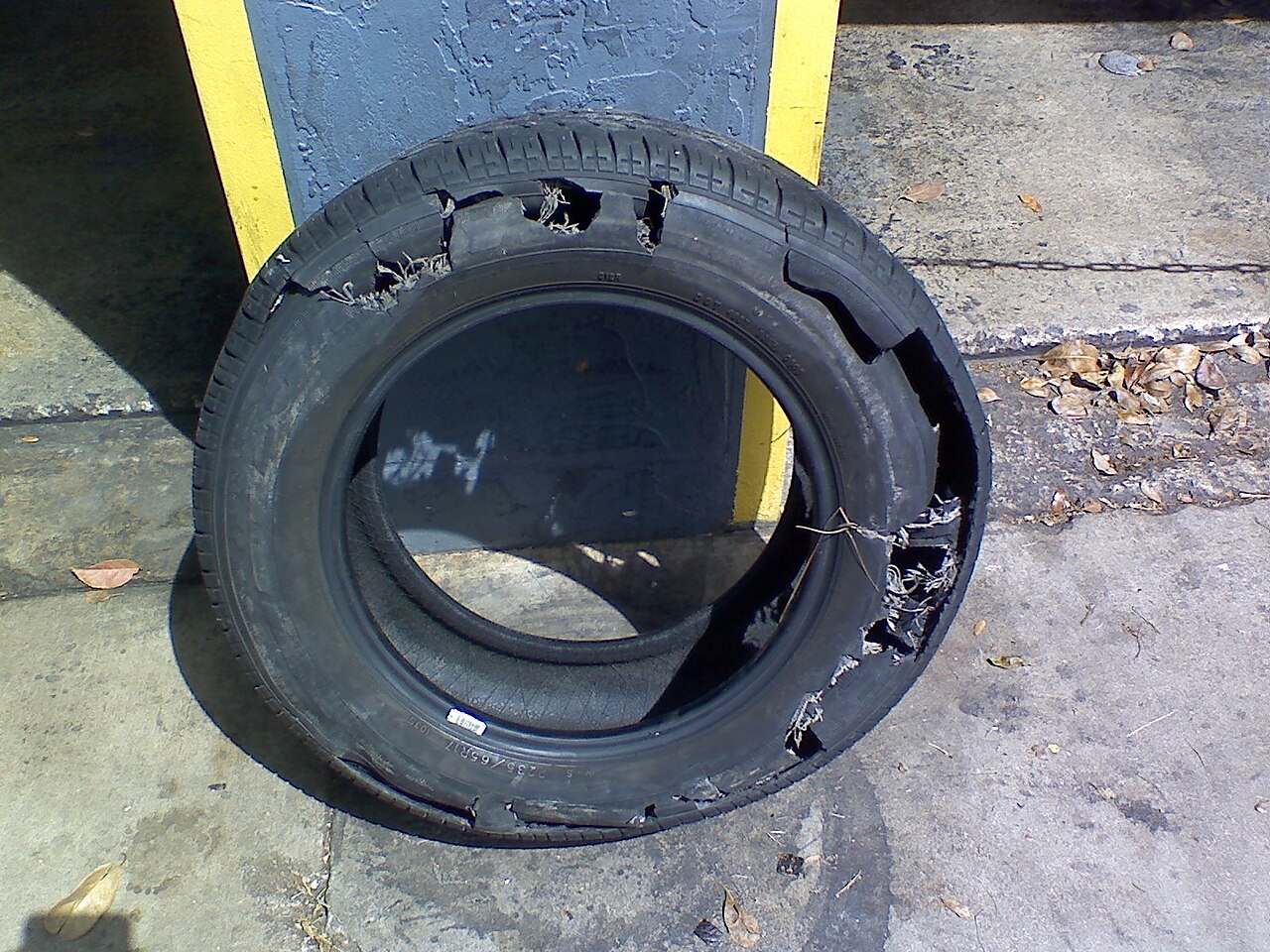
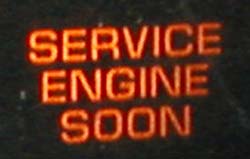
Next step
From reported to fixed
Three moves, and the whole team can follow along without a single phone call.
Start work
Mark it In Progress. For High and Critical problems, WrenchBase offers to mark the machine In Repair too, so everyone knows it’s off the road.
Valve stem is cracked. Swapping it and both rear tires.
Pulling it into the shop.
Post updates as you go
Add short notes like “Parts ordered.” Each one lands on the problem’s timeline, newest first.
Resolve it
Say what was done. One tick saves the repair to the machine’s history, and if nothing else is open on it, WrenchBase offers to mark it Active again.
What you can do with it
Four statuses
Open, In Progress and Resolved, plus Closed for problems that didn’t need a repair, like a duplicate report. Something broke again? Reopen it.
A note when it matters
Resolving asks “What was done?” and closing asks why, so every finished problem explains itself months later.
A timeline on every problem
The report, every status change and every update, newest first. Updates can’t be edited afterwards, so the record stays accurate.
Machine status keeps up
WrenchBase offers to mark a machine In Repair when work starts and Active when its last problem is fixed. It always asks first.
Find any problem fast
Filter by status, how urgent it is and date. Search by what’s wrong, the machine or who reported it. Sort by newest, most critical or oldest.
Who can do what
Owners, Admins and Members can update and resolve any problem. Members edit the details of their own reports, and Owners and Admins can edit or delete any. Viewers can look.
Questions people ask
What’s the difference between Resolved and Closed?
Resolved means it was fixed, and you say what was done. Closed is for problems that didn’t need a repair, like a duplicate report, and asks for a short reason.
Can we reopen something that broke again?
Yes. Reopen it, add a note if you like, and it’s back on the open list.
Does fixing a problem update the machine’s history?
When you resolve it, a tick box saves the repair as a maintenance record on that machine, linked back to the problem.
Can we add photos of the finished repair?
Yes. Add them to the problem, up to 8 photos in total.
What does it cost?
$149 a month for your whole company, with unlimited equipment and unlimited users.